
Your Obsidian notes deserve
a place on the web.
Write in Obsidian like you always do. Mark a note for publishing, hit Publish, and it is live on your own corner of the internet.
Free to start, no card needed No GitHub, no repo
Works through the free Digital Garden plugin for Obsidian, set up in minutes.
1000+ gardens on Forestry.md 2.4k GitHub stars built by the creator of the Digital Garden plugin
Set up once, in minutes.
Install the Plugin
Get Digital Garden from Obsidian's community plugins.
Create Your Garden
Sign up and pick a name for your site on Forestry.md.
Connect Obsidian
One click in the dashboard links the plugin to your garden.
Publish
Publish your first note. Unpublish anytime from the Publication Center.
See what people are growing.
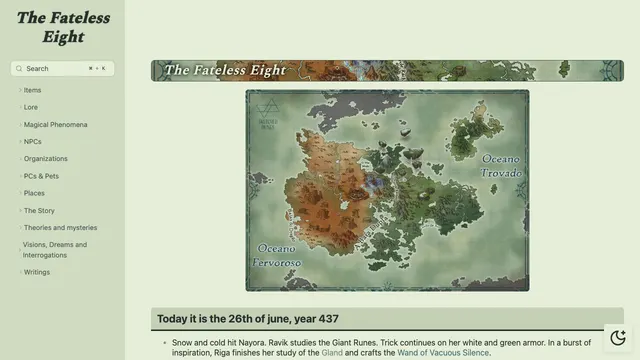
The Fateless Eight
Fantasy campaign world
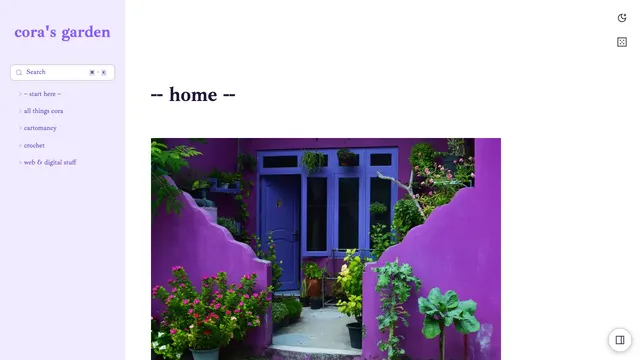
cora’s garden
Cartomancy, crochet & more
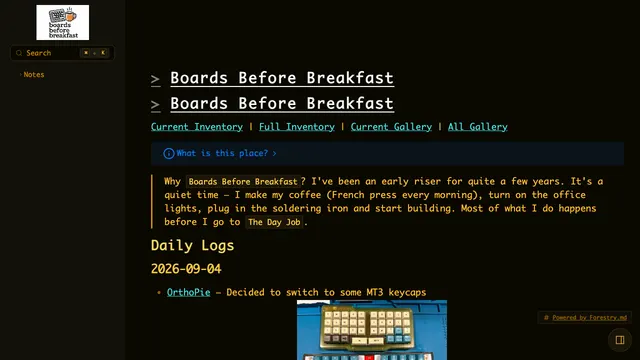
Boards Before Breakfast
Keyboard building logs
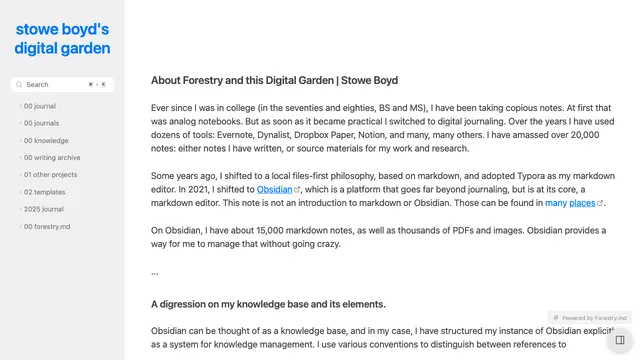
Stowe Boyd’s garden
A writer’s knowledge base
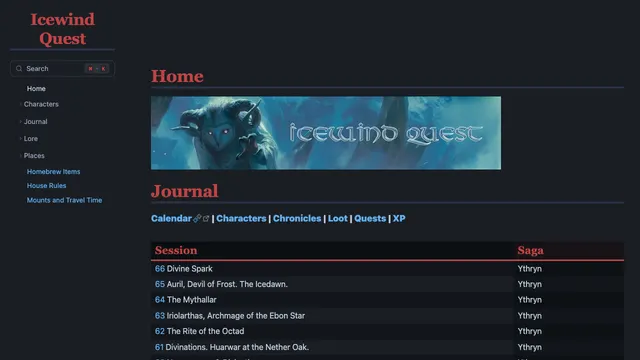
Icewind Quest
D&D campaign wiki
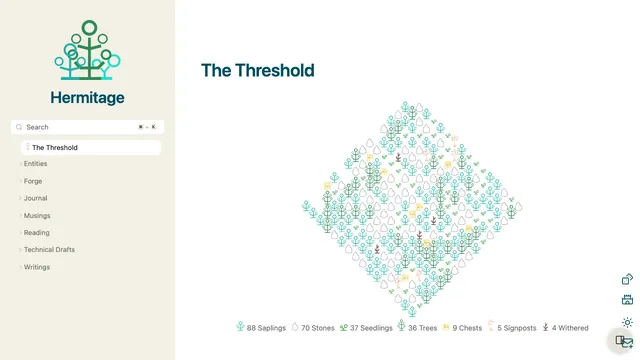
Hermitage
Personal digital garden
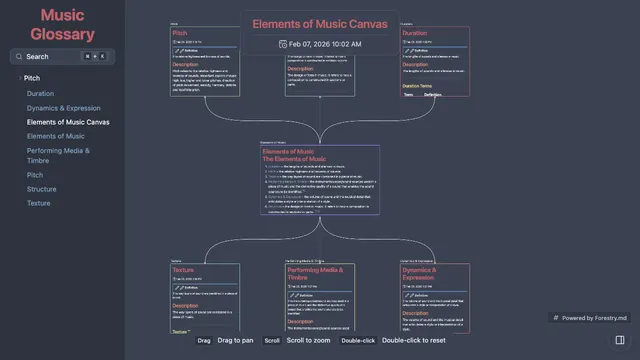
Elements of Music
Canvas page example
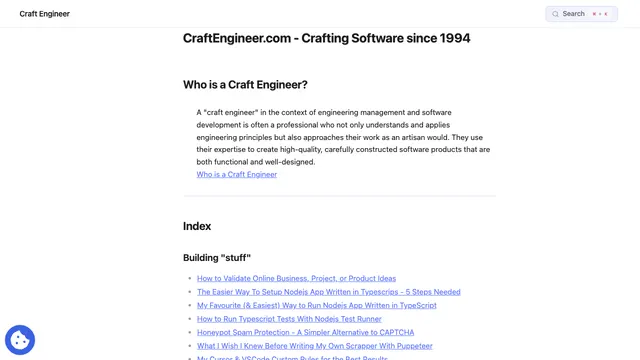
Craft Engineer
Engineering knowledge base
What gardeners are saying.
I decided to migrate my existing Digital Garden off Vercel to Forestry.md and it was… stupid-easy. 100+ notes moved over in minutes, near-identical site, zero downtime.
 (opens in a new tab)
This is not an ad [for Forestry.md]. I am just a happy user.

Digital garden is absolutely fire. I've been wanting something like this. Keep up the good work!
Publish more than just notes.
Forestry.md is the only Obsidian publishing option that supports both Canvas and Bases. Some tools handle one. None handle both.
Canvas Publishing
Your Obsidian Canvases become interactive, navigable pages. Publish visual maps of ideas, project plans, and concept webs, exactly as you designed them.
See a live Canvas → (opens in a new tab)Obsidian Bases
Publish your Obsidian Bases as rich, structured tables on the web. Databases, trackers, and collections, all rendered beautifully from your vault.
See a live Base → (opens in a new tab)The web used to be personal.
Remember when the internet was full of weird homepages, half-finished thoughts, and personal rabbit holes? Before everything became a feed. Your digital garden brings that back: polished essays or rough notes, a single page or a sprawling garden. You decide what gets published, and how, and nobody else gets to shape it.
I built the Digital Garden plugin as a solo project, the original open-source way to turn an Obsidian vault into a website.
Forestry.md is a cloud-hosted option tightly integrated with the plugin, for people who want the simplest possible setup. The plugin and template remain fully open source and free, and Forestry.md is a way to sustain the development that benefits the entire community.
Ole Eskild SteensenMaker of the Digital Garden plugin and Forestry.md
Your corner of the web shouldn't cost a fortune.
Start free. Go Pro for $8 a month, about the price of a coffee.
Free
Perfect for getting started
- 1 site
- 100 MB storage
- 30 publishes a month (one publish is one Publish run, with any number of notes)+100 bonus publishes in your first 14 days
- Bases, Canvas, Themes
- Community support
No card needed
Pro
billed annually ($96/year)
or $10/month billed monthly
- 5 sites
- 2 GB storage
- 1000 publishes/month
- Custom domains
- Draft/preview mode
- No branding
- Email support
Cancel anytime. Your garden stays up on Free.
Hit the monthly limit and publishing pauses until next month, or upgrade anytime. Prefer to host it yourself? The plugin can switch back to self-hosting whenever you like.
See how it comparesQuestions before you plant.
Do I need GitHub or any coding?
No. There is no GitHub account, repo or build step to manage. Install the plugin, create your garden, connect Obsidian and publish.
Does my whole vault get uploaded?
No. Only notes marked with dg-publish: true are published, along with the images and files they embed. Everything else stays in your vault.
Can I take a note down again?
Yes. Unpublish any note from the plugin's Publication Center, and it disappears from your garden on the next build.
Can I publish from my phone?
Yes. The Digital Garden plugin works in Obsidian on iOS and Android too.
What happens if I stop paying for Pro?
Your garden stays online on the Free plan. Pro extras, like custom domains, switch off.
Can I leave?
Anytime. The plugin and template are open source, and you can switch the plugin back to self-hosting in its settings.
That's it. That's the pitch.
Your thoughts are already worth sharing. Give them a home on the web that's yours, on your own terms, in your own way.
Start Your GardenFree to start, no GitHub account needed. Switch back to self-hosting anytime.
Even if you don't sign up, I think you're pretty great for checking this out.
Lovely note. Exactly what my beds were missing.
👍 4 ❤️ 2 🌱 1
Did you try it on the raised beds too?